
Read JSON data in Python Code
Here we learn how to work with JSON data, if you are completely new to JSON, then learn about JSON data structure first, that will help to understand this tutorial better.
To read JSON in python application, we need to import json library in python code using import json statement.
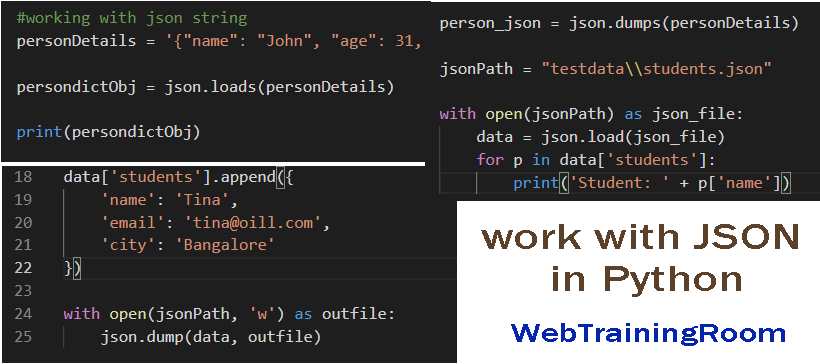
Here is an example how we can define json string in python code and create a dict object using json.loads()
function.
import json
#working with json string
personDetails = '{"name": "John", "age": 31, "city": "New York"}'
persondictObj = json.loads(personDetails)
print(persondictObj)
reading one element from the json dict object from above defined variable.
like dictObj[keyName]
print(persondictObj["name"])
print(persondictObj["city"])
To read JSON data from json file in python code, we need to open and load the json file using json.load(fileName) function.
import json
jsonPath = "testdata\\students.json"
with open(jsonPath) as json_file:
    data = json.load(json_file)
    for p in data['students']:
        print('Student: ' + p['name'])
Here is an example of how we can write json data in json file in python code.
First, we need to define the json data in python code, then open the file for writing.
import json
jsonPath ="testdata\\students.json"
#writing json data to a file
data = {}
data['students'] = []
data['students'].append({
    'name': 'Abani',
    'email': '[email protected]',
    'city': 'Kolkata'
})
data['students'].append({
    'name': 'Bill',
    'email': '[email protected]',
    'city': 'New York'
})
data['students'].append({
    'name': 'Tina',
    'email': '[email protected]',
    'city': 'Bangalore'
})
with open(jsonPath, 'w') as outfile:
    json.dump(data, outfile)
Notice, json.dump(data, outfile) is the function for writing,
we also can define sorting order while writing json data json file.
You may be interested to read following tutorials